

What it does
5 Calls organizes information around the same topics you see in the news. It provides short background briefs that quickly inform you about the details of the issue. Then it gives you a script and dials the phone to connect you to your representative’s office.
Once connected, you either speak to the person who answers the phone or leave a voicemail. When you’ve finished your call, you can record a result and then automatically move on to the next representative.
End-to-end, it takes less than 15 minutes to review the material and make the calls.
The non-profit organziation that built and maintains the app, 5 Calls Civic Action, says that making phone calls is important because
Once your congressperson forms a public stance on an issue, it’s hard for them to walk it back. The earlier they hear your opinion, the more likely it is you’ll make an impact.
Calling is by far the most effective way to ensure that your representative hears you before they take a public stance.
https://5calls.org/why-calling-works/
If you don’t like to talk on the phone, the scripts can also be adapted for emails or website comments.
How to use 5 Calls
Set up the app
Download the app to your phone from your app store or go to 5calls.org if you prefer to work from a computer.
Set your location. This enables the app to identify your representatives in Congress.
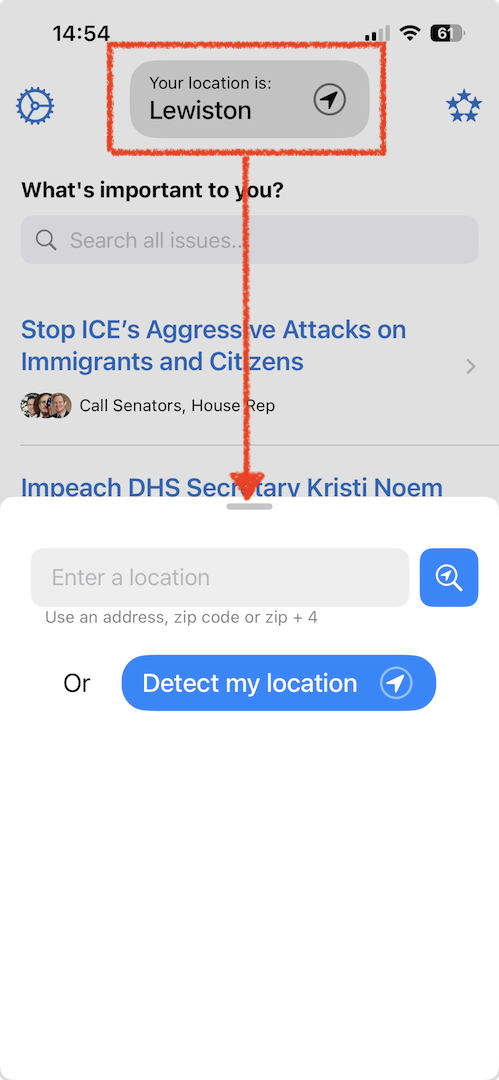
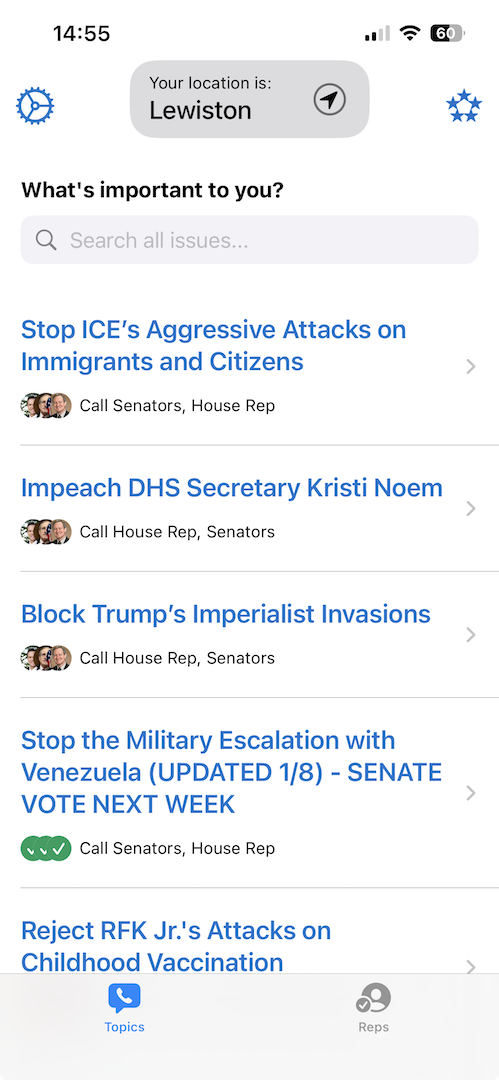
Select a topic
Pick a topic from the list that you care about… or one that you’re concerned about. Either way, it’s one where you have an opinion you want to communicate to your representatives.
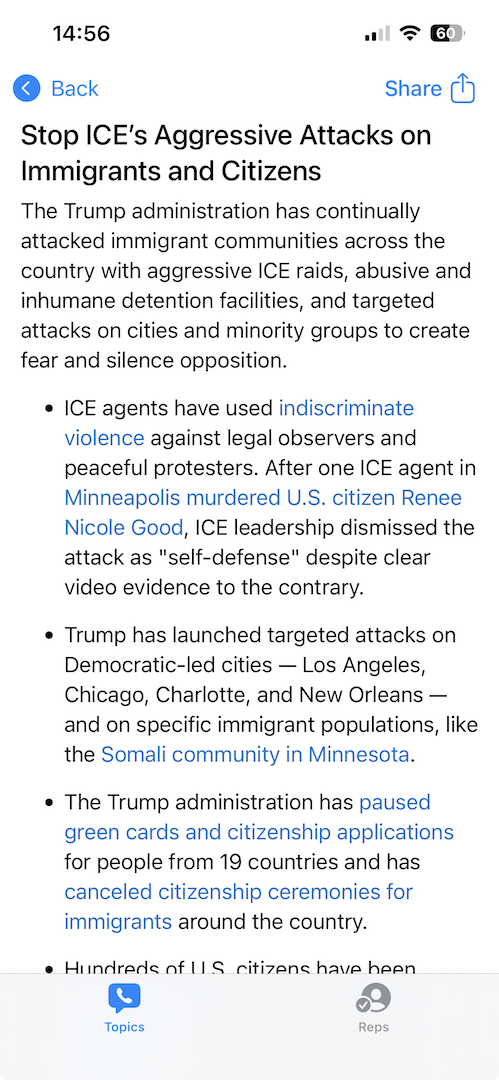
Review the background information, with links to news sources, to fill in any gaps in your understanding.
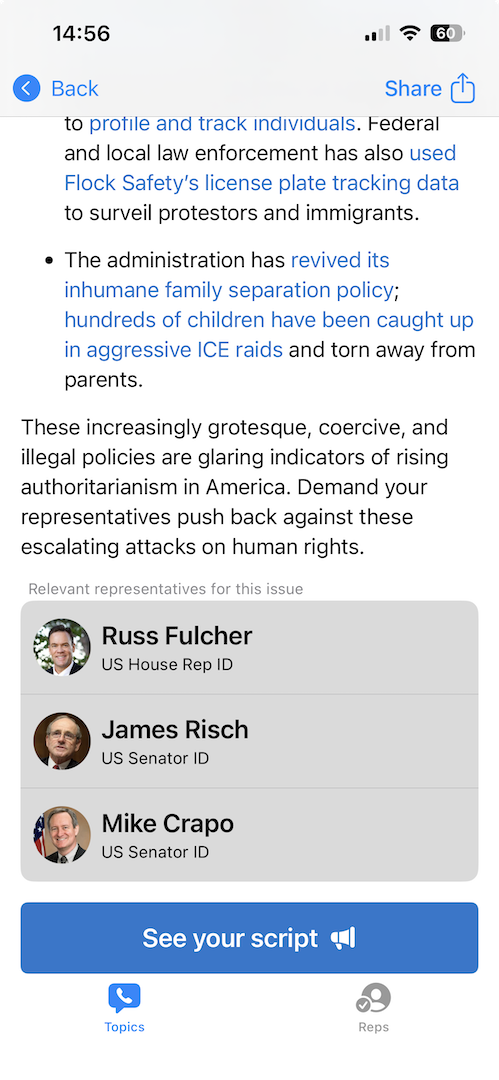
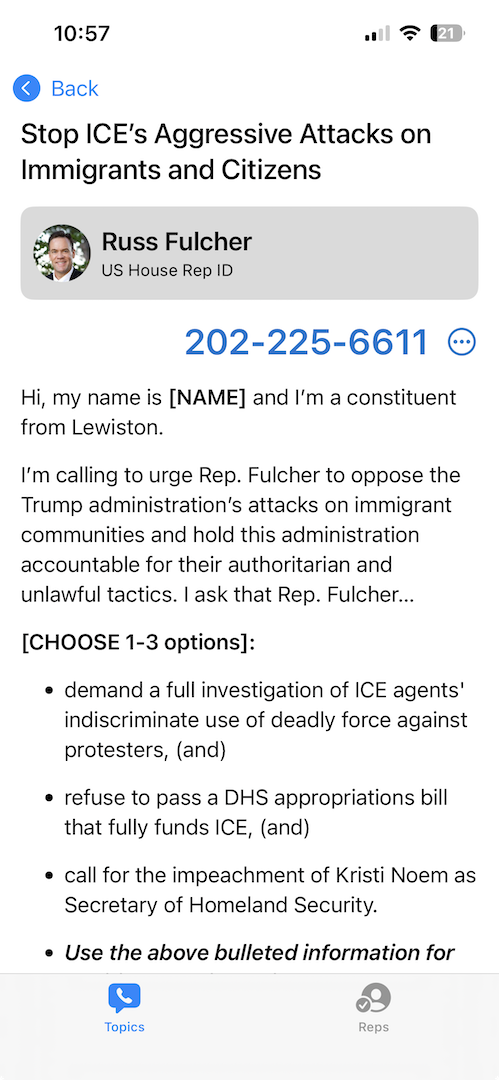
Scroll down to the bottom of the page to see a list of your representatives. Click on “See your script”, at the bottom of the page, to see a prepared message on the topic.
Review your script
Read through the script and revise it mentally, or on paper so that it reflects how you speak and the tone you wish to project.
Make your calls
Click on the rep’s name to initiate a phone call (or FaceTime, if using the website on a Mac). When the call is answered, speak to the staff member, the representative (unlikely!) or leave a voicemail. You may be asked to give your address and phone number.
Record the result and move on
After the call, click on one of the buttons to record the result – Unavailable, Left Voicemail, Made Contact, or Skip.

You’ll then be shown the next representative. Repeat until you’ve left messages for all the congresspeople you wish to address.
That’s all there is to it
In less than 15 minutes you’re left your messages. You’ve performed an important civic duty. Now go share the app with a friend!

###
Do you have a question? A suggestion? A topic you’d like to see covered in a future article? If so, please leave us a message by leaving a comment below or through the Contact Form. We look forward to hearing from you.